
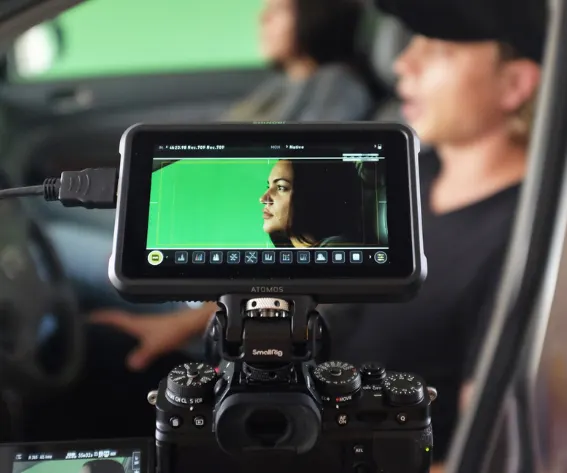
Every short film budget has the same hole in it. Lights cost money, a chroma key kit costs money, and the moment the script calls for a broken television or a computer that crashes on cue, somebody has to go and find one. Meanwhile, sitting on the desk is a 27-inch panel that can be any colour at any brightness, and a TV in the living room that can show whatever you tell it to. Most of the gear a small crew needs for a dialogue scene is already in the house. You just have to stop thinking of the monitor as a thing you look at and start treating it as a thing you point at the actor.
Here is how screens stand in for lights, backdrops and props, what each trick is good for, and where it falls apart.
A monitor as the key light
The simplest trick is the one most people never try. Open a white screen in the browser, press F for fullscreen, turn the brightness all the way up, and you have a softbox. A 27-inch monitor is roughly the size of a small LED panel with a diffuser on it, and because the light is spread across the whole surface instead of coming from a point, it wraps around a face in the same soft way.
The setup for a talking-head shot or an interview takes two minutes:
- Put the monitor just off-axis from the camera, 60 to 90 centimetres from the actor.
- Tilt it slightly down so the light falls across the face rather than straight into the eyes.
- Add a second monitor, a laptop or even a phone on the other side at lower brightness. That is your fill.
- Turn off the room light and check the shadows on the far cheek. Move the fill, not the key, until they soften.
Two things to know before you commit a scene to it. First, colour temperature: most panels sit somewhere around 6500 K, which is cool daylight. Set the camera's white balance to match, or warm the screen by changing the page colour to a pale orange or yellow, which is the cheapest CTO gel you will ever buy. Second, output: a monitor is bright for a monitor, not for a film light. It works beautifully in a dim room and at close range, and it disappears the moment you open the curtains. Plan the scene around that. Night interiors, screen-lit characters, a person working late in front of a computer: all of these look natural precisely because the light source is a screen.
Chroma key without the fabric
Set the same page to saturated green and the panel becomes a chroma key background. Broadcast green, the #00B140 that keying software is tuned for, is evenly lit by definition. No wrinkles, no hot spots, no clamps and no ironing, which is the part of fabric green screens that eats an afternoon. A 55-inch TV behind an actor covers a head-and-shoulders frame with room to spare.

The limits are real, so know them before the shoot day:
- Coverage. A screen only covers as much as a screen. Full-body shots still need cloth or a painted wall.
- Spill. Keep the subject at least a metre in front of the panel, otherwise the green reflects onto hair and shoulders and the keyer starts eating edges.
- Banding. Match your shutter to the panel's refresh rate, 1/50 or 1/60 depending on where you are, or you will get rolling bands across the background.
- Brightness. Turn the screen down to where the green reads as green rather than glowing. An overexposed background is harder to key than a slightly dim one.
The dead channel
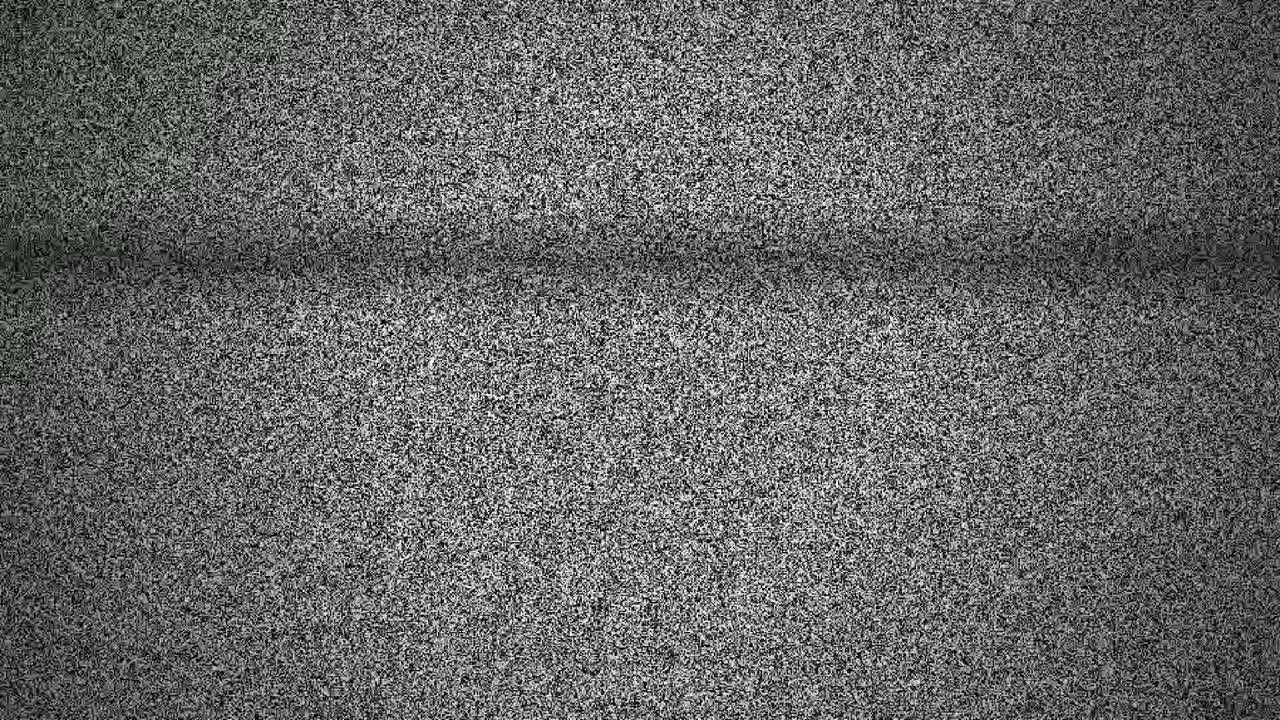
Horror has used the dead channel since Poltergeist, and the shorthand still works: a storm of black and white snow with that hiss underneath, and the audience knows something is wrong before a line is spoken. You do not need a CRT or a disconnected aerial. A browser can generate the static live, with sound, and a flat panel in the corner of the set sells it from any normal camera distance. If you can find an old tube television, better; the same page running on a laptop connected to its video input gives you authentic curvature and scan lines for free.
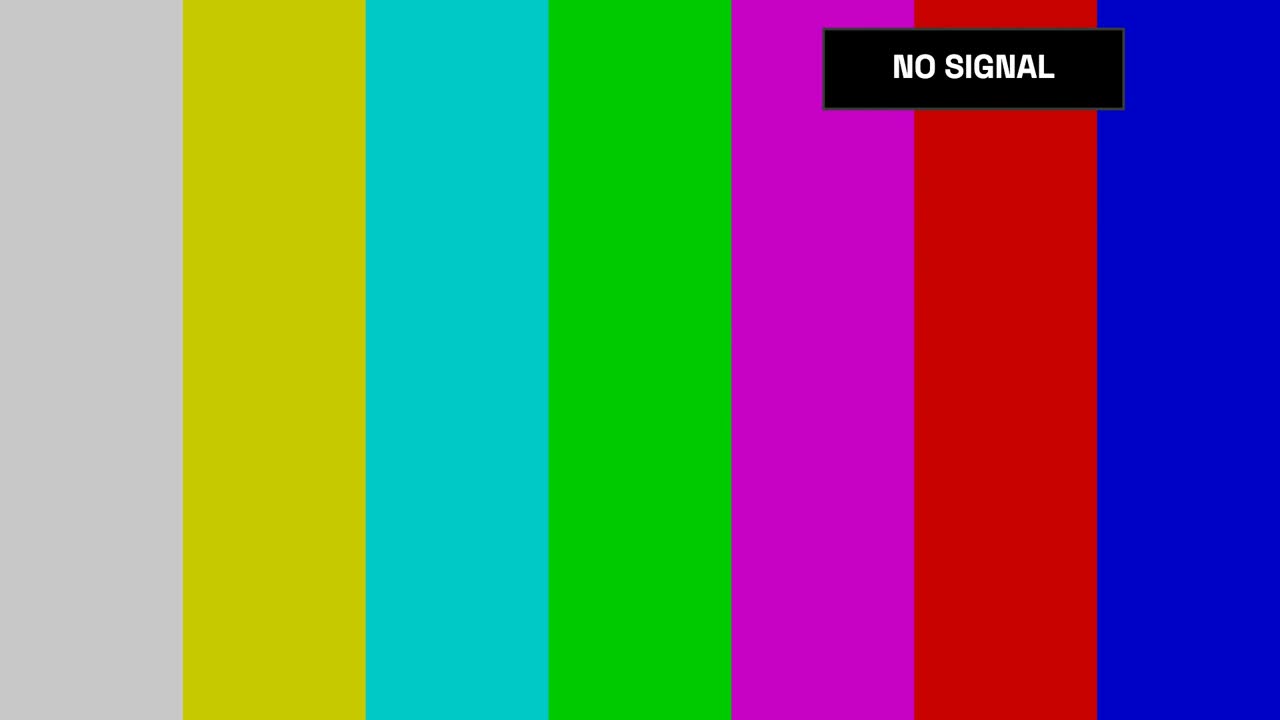
The quieter cousin is the no-signal screen: SMPTE colour bars, or the "NO SIGNAL" badge drifting around a black screen, the thing every monitor shows when a cable comes loose. It reads as "this room has been abandoned" or "the feed just died", and it is a lot easier to light around than full-screen static, which flickers and throws unpredictable light on the actors.
A computer that crashes on cue
Scripts love a crashing computer and real computers refuse to cooperate. The way around it is a page that only looks like a crash: the sad-face blue screen with its percentage counter, a QR code and a stop code, which climbs to 100%, goes black, shows the Windows logo and the spinning dots as if the machine were rebooting, then comes back to blue. That loop is what a genuinely broken PC does, and it is long enough to cover a whole exchange of dialogue without the actor having to time anything.
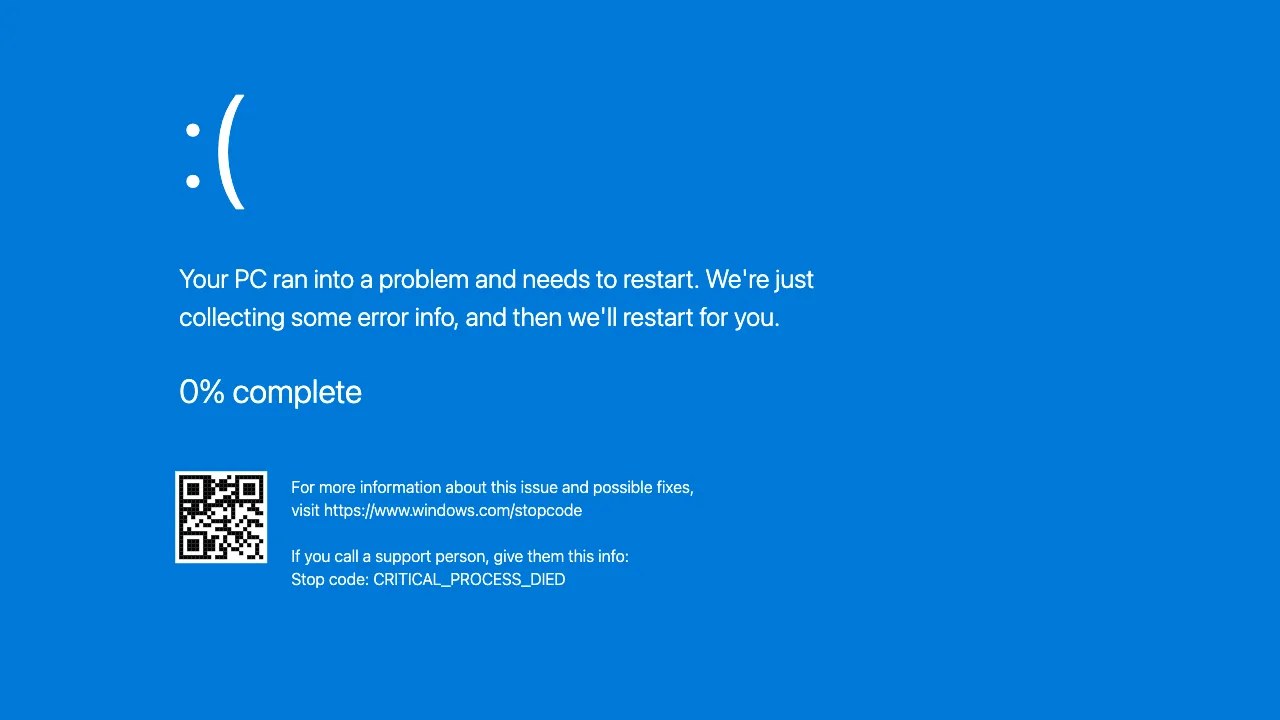
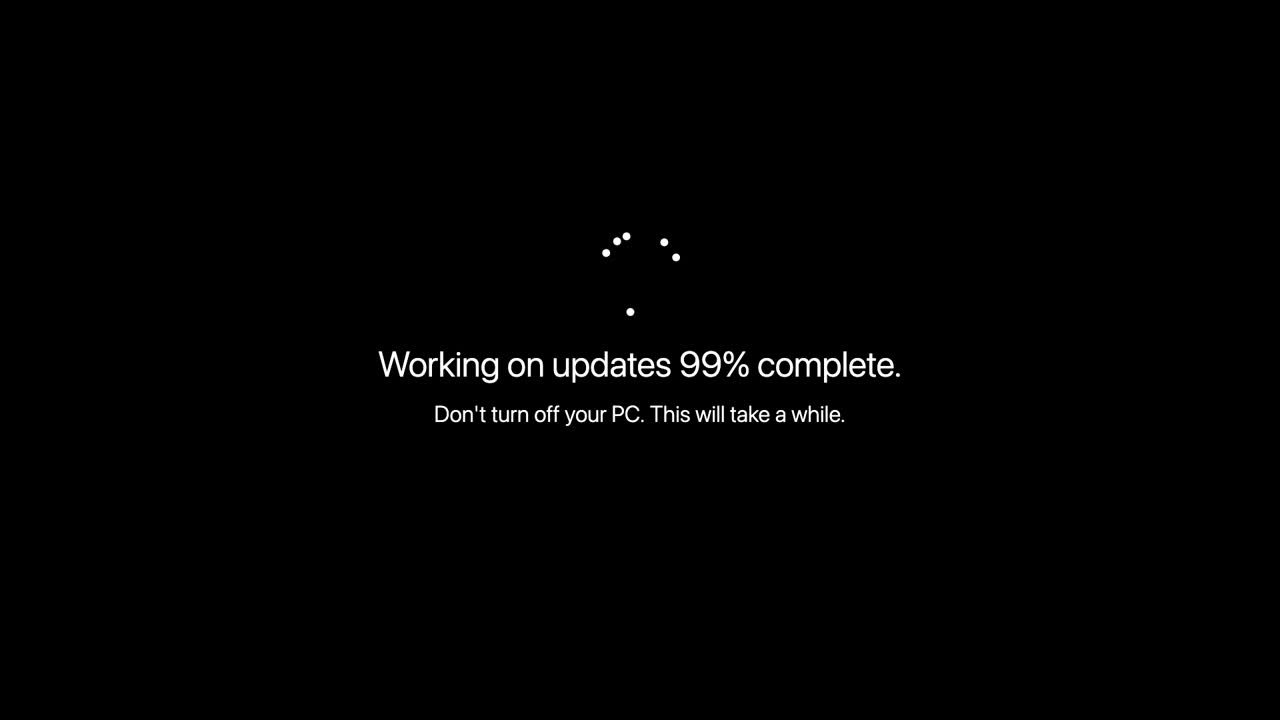
There are versions of the same idea for different stories. The endless Windows update that crawls to 99 per cent and stays there is a comedy beat. The text-mode stop error from the Windows XP era is period dressing for anything set in the 2000s. Shoot these the same way you would shoot any screen: lock the exposure so the panel does not pump, keep the camera at an angle that avoids reflections of your own lights, and if you need the on-screen text legible, record the screen separately with capture software and composite it in, rather than fighting moiré on set.
The countdown
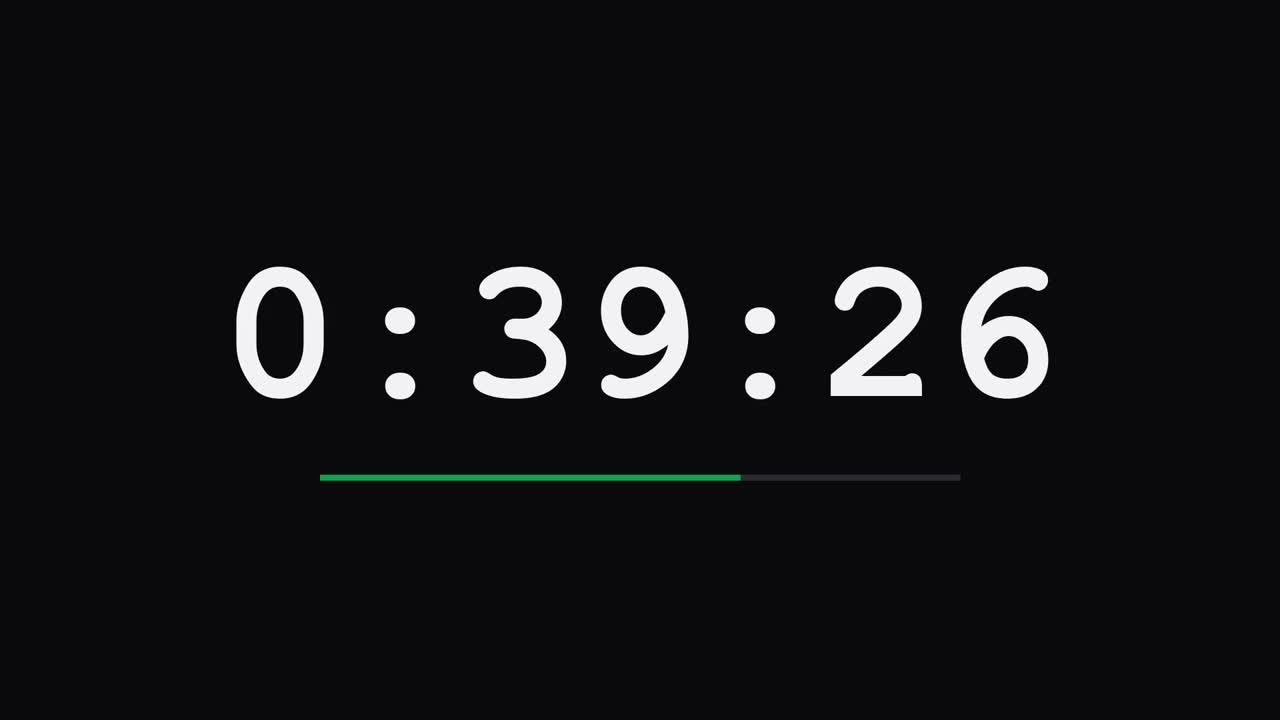
A fullscreen timer, big digits on a dark background, is the oldest prop in the thriller handbook, and it costs nothing. Put it on a laptop in the background of a bomb-disposal scene, or on a phone the character glances at, and the audience does the tension work for you. The useful part for a director is that the numbers are real: if you set it to seven minutes, your continuity person can match it across takes instead of guessing at what the digits should read in the close-up.
Which screen for which scene
| The script says | Put on the screen | Watch out for |
|---|---|---|
| Late-night work, character lit by a computer | White or pale-yellow page as the key light | Colour temperature, white balance |
| Weather report, fake window, anything composited | Chroma green on the largest panel you have | Spill on hair, shutter speed |
| Haunted house, abandoned flat, a feed that just died | TV static or colour bars | Flicker on the actors from static |
| The computer dies at the worst moment | Fake blue screen with the reboot loop | Reflections of your lights in the glass |
| Bomb, deadline, hostage clock | Fullscreen countdown timer | Continuity of the digits across takes |
| A monitor that must look switched off | Black page, OLED if you have one | Backlight glow on LCD, underexpose slightly |
When you need the screen to vanish
The opposite problem comes up just as often. There is a monitor in the shot and it has to look off, but it also has to stay on because you need it two set-ups later. A fullscreen black page does that. On an OLED television the pixels switch off entirely and the panel becomes indistinguishable from a dead screen; on a normal LCD it is dark enough that a slightly underexposed shot hides the backlight glow. The same black page is also a free infinite-black backdrop for product inserts and macro shots: put a small object in front of a dark panel, light the object and not the screen, and the background falls away.
Shooting screens so they look like screens
A few habits save hours in the edit:
- Shoot at 25 or 30 frames per second with a 180-degree shutter. The panel's flicker goes away on most modern displays; if you still see banding, change the shutter speed in small steps until it clears.
- Set the panel brightness to roughly where it stops blowing out at your working aperture, then leave it there for the whole scene.
- Kill every light that can reflect in the glass, or polarise the lens.
- Lock exposure. Auto modes pump the moment a bright screen enters or leaves the frame.
- Give the actor an eyeline on the screen that makes sense. The one thing a real audience always notices is someone looking at a monitor that clearly is not showing them anything.
None of this replaces a lit set with a proper key and a painted cyc. It replaces the scenes you would otherwise cut because the gear was not there. For a student film or a weekend short, that is most of them.

Comments