
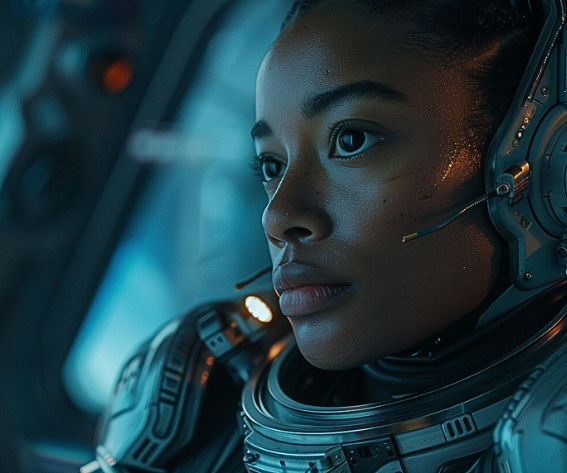
For most of film history, pre-production lived in sketches, reference photos, and rough animatics. Directors explained camera movement in words, cinematographers imagined lighting from stills, and editors assembled mood reels from existing films.
AI video generators are starting to sit in the middle of that process.
They don’t replace shooting, acting, or production design. What they replace is the gap between idea and visualization — the moment when a scene exists clearly in one person’s head but nowhere else. A short generated clip can communicate pacing, atmosphere, and framing faster than a page of description.
After spending time across several platforms, the interesting discovery isn’t which one looks “most realistic.” It’s that each one behaves like a different piece of filmmaking equipment.
How they function in a workflow
These tools fall into recognizable roles that mirror traditional departments:
- motion concept tools — turning still artwork into moving shots
- shot generators — inventing footage that doesn’t exist yet
- iteration tools — testing variations quickly
- assembly tools — building rough edits or narrated previews
Used together, they resemble a lightweight virtual pre-production pipeline. Instead of replacing production, they compress decision-making before it begins.
Below is how several current generators fit into those roles.
The generators
Leonardo AI — animated storyboards
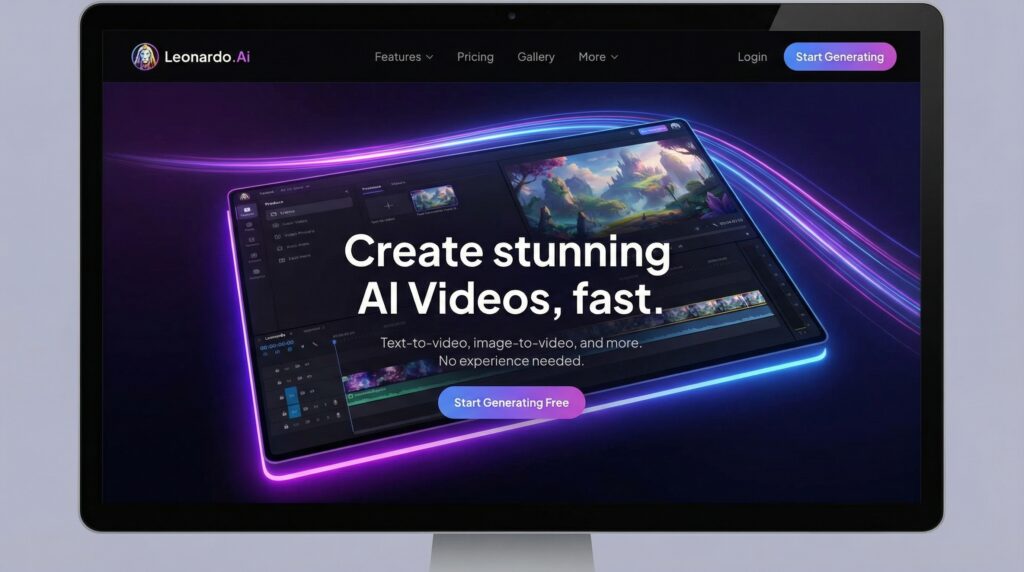
Leonardo AI video generator is best when treated as a storyboard animator. You provide a still frame — concept art, location photo, matte painting — and the system introduces controlled motion: drifting haze, subtle parallax, flickering lights.
The clips are short, but that limitation actually suits the task. They function like moving panels in a pitch deck, helping collaborators understand tone rather than plot, just like storyboards help animators.
- Practical use: visual tone previews and mood reels
- Not ideal for: building sequences or extended action
Runway — proof-of-concept cinematography
Runway generates original shots directly from prompts. Instead of modifying existing material, it invents footage designed to resemble real camera work.
Because renders are limited, the platform rewards planning. It’s most useful when you already know the shot you want and need to show it to someone else — a producer, VFX supervisor, or client — before committing resources.
- Practical use: pre-visualizing specific shots
- Not ideal for: long exploratory sessions
Pika — rapid iteration lab
Pika emphasizes volume. You can try many prompt variations in a short time, which makes it useful for discovering visual direction rather than executing a precise one.
The public workflow also acts as a shared experimentation space. Watching how others phrase prompts quickly reveals what influences motion, lighting, or coherence.
- Practical use: testing visual approaches
- Not ideal for: finishing or editing inside the platform
Dreamlux — style continuity generator
Dreamlux leans heavily on preset aesthetics. Instead of fine-tuning parameters, you choose a visual treatment and generate multiple shots that share the same look.
That consistency matters when presenting a project’s visual identity. Rather than showing disconnected examples, you can demonstrate a unified palette across scenes.
- Practical use: look development
- Not ideal for: technical shot control
VideoPlus — collaborative sketchpad
VideoPlus prioritizes speed and accessibility. It behaves less like a rendering environment and more like a visual whiteboard where ideas can be generated quickly during conversation.
Because setup is minimal, it works well in live discussions — brainstorming sessions, classroom demonstrations, or early creative meetings.
- Practical use: live ideation
- Not ideal for: precision or repeatability
Clipfly — rough cut builder
Clipfly combines generation with basic editing tools. After creating clips, you can trim them, add music or text, and assemble a short preview without exporting elsewhere.
This makes it practical for creating quick internal previews — not final edits, but something close enough to discuss pacing and structure.
- Practical use: assembling early teasers
- Not ideal for: deep post-production work
Pictory — narrated concept presentations
Pictory approaches video from the script side. You provide text and the system constructs a sequence using stock footage, captions, and voiceover.
It doesn’t generate fictional imagery, but it’s effective for explaining a project — especially when pitching tone, theme, or structure rather than visuals alone.
- Practical use: project overviews and presentations
- Not ideal for: cinematic scene creation
Choosing between them
Instead of competing directly, these tools map to different stages of the same process:
- finding a look → Dreamlux or Pika
- visualizing a shot → Runway
- animating artwork → Leonardo
- brainstorming in real time → VideoPlus
- assembling a preview → Clipfly
- explaining the project → Pictory
Used individually, each solves a narrow problem. Used together, they begin to resemble a lightweight digital pre-production pipeline.
Where this leads
The immediate impact of AI video generators isn’t automated filmmaking. It’s clearer communication.
- Directors can show rhythm instead of describing it.
- Cinematographers can preview movement before scouting.
- Editors can feel pacing before footage exists.
As clip duration and consistency improve, the boundary between planning and shooting will keep shifting earlier in the process. Not replacing production — but reducing uncertainty before it begins.
For now, their real value isn’t in finished images. It’s in decisions made earlier, faster, and with fewer misunderstandings.
You may also like:







Leave a reply