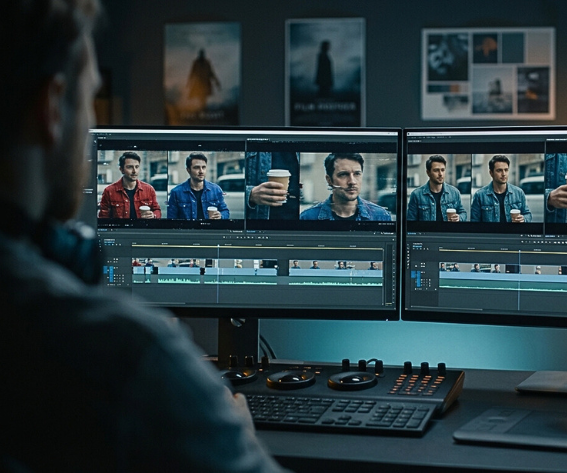
Early text-to-video clips were infamous for glitches—melting faces, arms vanishing mid-shot. Today’s engines remember who and what belongs in every frame, keeping characters, lighting, and motion rock-steady. That breakthrough in scene consistency spares hours of post-production and preserves the illusion that sells a story.
In this guide, we rank seven platforms that deliver production-ready footage for film marketers. You’ll see how each tool scores on continuity, creative control, and cost, plus the real-world moments where it shines—beginning with Leonardo AI’s newly upgraded Motion 2.0.
Why scene consistency is the #1 priority in AI video
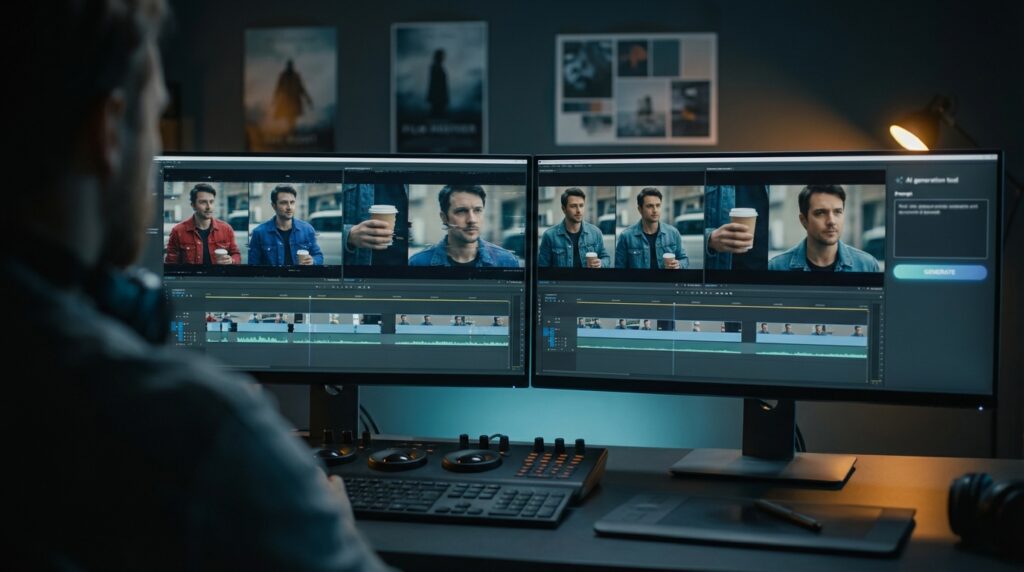
If a face flickers or a jacket swaps mid-shot, the illusion fails. Any money saved with AI evaporates in a single “what just happened?” moment. Trailers and promos last only a few seconds; every frame must read as one continuous reality, with no warped limbs or missing props. Early models missed that mark, spawning viral glitches that still circulate on Reddit.
Consistency safeguards more than visuals. It protects brand trust. When a costume shifts color during a pan, viewers question the story, the studio, and the product. It also trims hours from post-production. Editors can skip masking or re-rendering stray frames and use the reclaimed time for creative polish. Sharp resolution matters, but uninterrupted continuity turns AI footage from novelty into usable cinema. That is the yardstick for every tool in this guide.
How we picked the winners
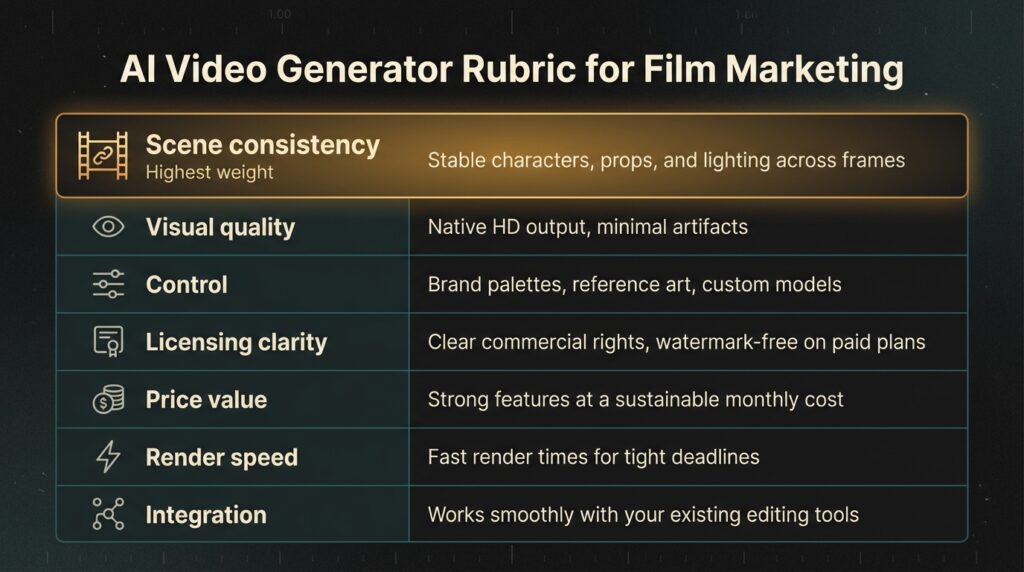
You deserve a clear playbook, not a black box. We scored each tool against seven criteria crafted for film marketing. Scene consistency led the list. If a generator could not keep eyes, costumes, and lighting steady frame to frame, it was out. Next came visual quality. We required native HD with minimal artifacts because blurry clips collapse on a 4K timeline. Control ranked third. Tools earned points for locking brand palettes, accepting reference art, or training custom models.
Licensing was mandatory. Only platforms that offer commercial rights and watermark-free exports on paid tiers advanced. Pricing, render speed, and software integration closed the rubric. Tight budgets and sharp deadlines favor affordable plans, quick turns, and friction-free exports. We graded each factor on a five-point scale, weighted consistency most, and used the totals to rank the seven finalists.
1. Leonardo AI (Motion 2.0): best overall for cinematic consistency
Leonardo positions Motion 2.0 as a dedicated video generator that transforms static artwork or uploaded photos into fluid animation in seconds. Stats on the Leonardo platform show creators have already produced more than 2.7 million videos and retain full commercial rights to every frame they generate. That scale, and the polish it delivers, is why Leonardo tops the list: Motion 2.0 fixes the glitches that once turned AI clips into memes.
That scale—and the polish it delivers—is why Leonardo tops the list: Motion 2.0 fixes the glitches that once turned AI clips into memes. The engine locks subjects and backgrounds, delivering five-second shots that stay steady during gentle camera moves, according to the platform’s July 2025 release notes; testers noted “sharper continuity” and “virtually zero flicker” across frames.
Start with a plain image or text prompt, click Animate, and watch an HD clip render in under a minute. The result looks like you hired a Steadicam and a colorist. You can upload reference art, switch styles, or fine-tune a model so every take matches your palette.
A free tier supplies daily credits for experiments. Paid plans, about $30 per month, unlock longer runtimes and watermark-free exports. Commercial rights are clear: you own what you create.
Canva integration adds drag-and-drop title cards, and the open API slots into most pipelines. If you need AI footage that survives a 24-frame edit, start here.
2. OpenAI Sora 2: Hollywood polish without the Hollywood bill
Sora 2 feels more like a virtual backlot than a software demo. Enter a prompt such as “neon-lit rainstorm over Tokyo,” wait 30 seconds, and you receive a twenty-second 1080p clip that passes the squint test. Streets stay wet, signage stays legible, and most important, your lead character never morphs into someone else.
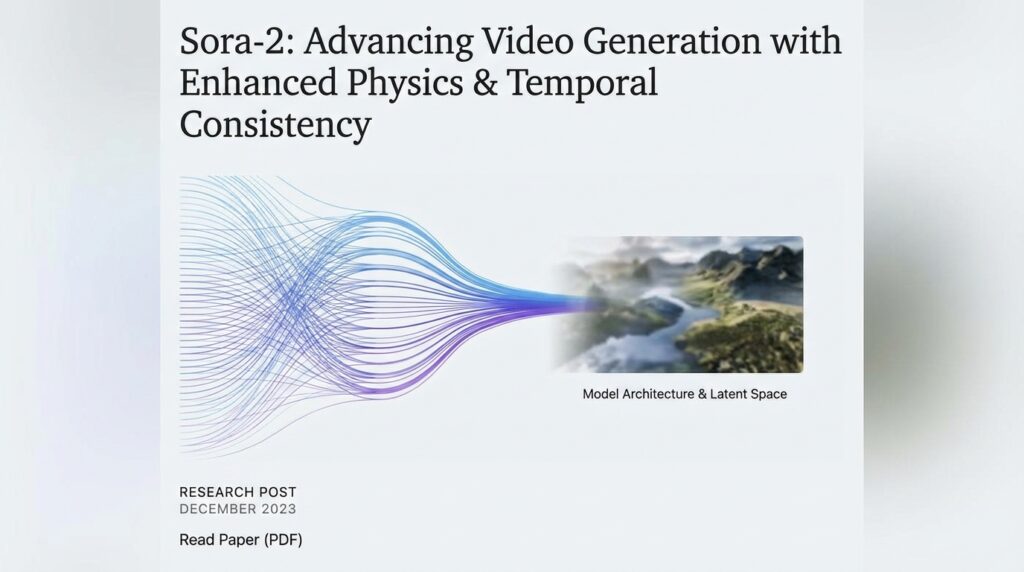
OpenAI Sora 2 text-to-video virtual backlot web interface
Its standout feature is Cameo. Upload a short reference clip and Sora inserts that exact face and voice into every generated scene, with lips synced and lighting matched (Hostinglogy AI video generator roundup). It is the quickest way we have found to capture extra pickups or localized promos without bringing talent back on set.
Visual fidelity leads the pack. Physics feel real, from rippling coats to drifting smoke, and audio is baked in, so your teaser lands with sound design already attached.
Access is the only catch. Sora sits behind ChatGPT Pro at about $200 per month, and heavy renders consume credits fast. Even so, a night of AI reshoots costs less than renting a dolly track, which is why studio marketers continue to line up for invites.
3. Runway Gen-4: indie-friendly and quick to iterate
Runway pioneered text-to-video when clips maxed out at four seconds and 720p. Gen-4 stretches shots beyond ten seconds while keeping wardrobes, lighting, and set pieces intact.
Motion handling is the headline feature. Ask for a slow dolly push and the engine tracks perspective smoothly, with no background shear or phantom limbs. It is not quite as flawless as Sora, but you notice the gap only during frame-by-frame inspection.
The browser editor is a gift for lean crews. Generate, trim, add titles, or remove a background without leaving the tab. Basic plans start around twelve dollars a month, and the free tier lets you test ideas before the coffee cools.
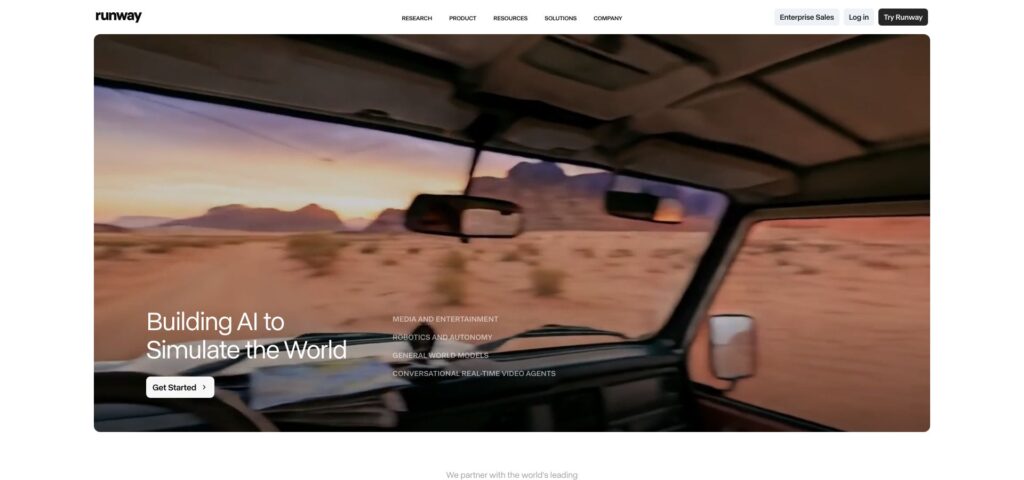
Runway Gen-4 browser-based AI video editor and timeline interface
Exports land in standard codecs, ready for Premiere or Resolve. For filmmakers who need big-screen ambience on a small-screen budget, Runway hits the mark.
4. Pika Labs: animated style with built-in character memory
Pika favors artistry over photorealism, producing tight six-second loops ideal for title cards, lyric videos, and animated posters.
The signature Ingredients panel lets you pin a reference image—concept art, a logo, a spaceship—and lock that element across every frame. Colors, line weight, and facial features stay consistent, echoing traditional cel animation.
Pika Labs Ingredients panel for consistent animated character loops
Resolution tops out at 720p for most users, yet frames remain crisp and color-rich. Renders complete in under 20 seconds, so you can test styles before a creative meeting starts.
The beta is free. A modest subscription tier is planned, priced for indie campaigns that need dozens of short, shareable clips.
5. Synthesia: the avatar that never misses its mark
Sometimes you do not need dragons or drone shots; you need a face that delivers your message in twelve languages. That is Synthesia’s specialty.
Each avatar is a pre-recorded human model, so hair, lighting, and wardrobe remain identical across takes and projects. Whether you export one video or one hundred, your virtual host stays on cue. Type a script, pick an accent, and press generate. In about a minute you receive a 1080p talking-head segment ready for behind-the-scenes reels, crowdfunding updates, or localized trailers. Enterprise plans allow a custom avatar of your director or lead actor, cementing brand consistency.
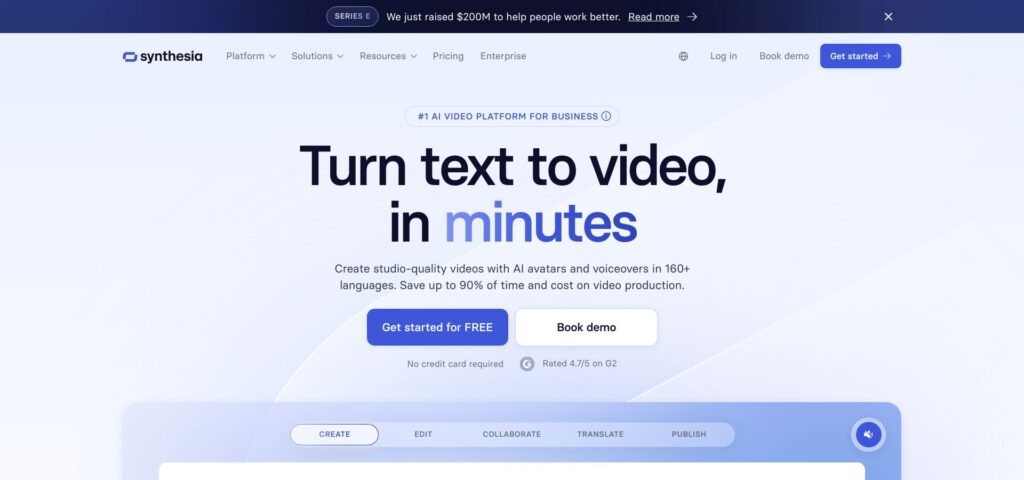
Synthesia AI avatar selection and script-to-video dashboard
At roughly thirty dollars per month for the Creator tier, Synthesia turns multi-day voice-over sessions and reshoots into a browser task and a coffee break. For dialogue-driven marketing, few tools match its speed or consistency.
6. Vadoo: a free playground packed with multiple AI engines
Vadoo serves as a buffet of text-to-video models. You can choose OpenAI Sora, Google Veo, Alibaba Wan, or others and test them back to back without writing code or pulling out a credit card.
That flexibility is the draw. When Sora credits run out, switch to Veo for the next shot and keep editing. Each engine keeps its own strengths, so continuity depends on the model you select, but Vadoo flags which ones excel at longer coherence and which favor stylized bursts.
The interface stays simple: type a prompt, set a duration, and click Generate. Clips render in the cloud and download as standard MP4 files, ready for your NLE.
Licensing is the one caveat. Every model follows its own rules, so review terms before you lock picture. For no upfront cost and generous daily credits, Vadoo is an easy way to audition tomorrow’s AI cameras today.
7. Kapwing: the Swiss-army editor that finishes what AI starts
Kapwing is less a scene generator and more a scene finisher. Drop in footage from any tool above, and Kapwing’s AI trims silences, burns subtitles, swaps aspect ratios, and produces platform-ready cuts in minutes.
Its “script-to-video” feature assembles royalty-free clips and graphics around your text, perfect for quick explainers or countdown posts. Assets may vary in style, so you might spend a moment nudging color and typography for uniformity, but the bulk of the work is done. Because Kapwing runs in the browser, collaboration is instant. Share a link, collect time-coded comments, and publish directly to TikTok or YouTube without exporting a single file.
Pricing starts free with a watermark. The Pro tier costs $16 per month, removes the mark, adds 1080p export, and offers unlimited auto-captioning. Think of Kapwing as the glue that turns your AI clips into a cohesive, captioned, social-ready campaign.
Side-by-side scorecard
Use this table to match each tool to your budget, deadline, and quality bar. Scan the rows, pick your must-haves, and move on.
| Tool | Scene consistency | Visual quality | Control | Licensing clarity | Price value | Ease of use | Integration |
| Leonardo AI | ★★★★★ | ★★★★½ | ★★★★★ | ★★★★½ | ★★★★ | ★★★★ | ★★★★ |
| OpenAI Sora 2 | ★★★★★ | ★★★★★ | ★★★★ | ★★★★ | ★★ | ★★★★ | ★★★ |
| Runway Gen-4 | ★★★★ | ★★★★ | ★★★★½ | ★★★★ | ★★★★ | ★★★★★ | ★★★½ |
| Pika Labs | ★★★★ | ★★★½ | ★★★★½ | ★★★★ | ★★★★ | ★★★★ | ★★½ |
| Synthesia | ★★★★★ | ★★★★ | ★★★★ | ★★★★★ | ★★★★½ | ★★★★★ | ★★★★ |
| Vadoo | ★★★ | ★★★ | ★★★ | ★★½ | ★★★★★ | ★★★★ | ★★ |
| Kapwing | ★★½ | ★★★★ | ★★★★ | ★★★½ | ★★★★ | ★★★★★ | ★★★ |
Conclusion
Stars follow a five-point scale, with half stars marking mid-tier results. Scene consistency carries the most weight.
You may also like:




Leave a reply